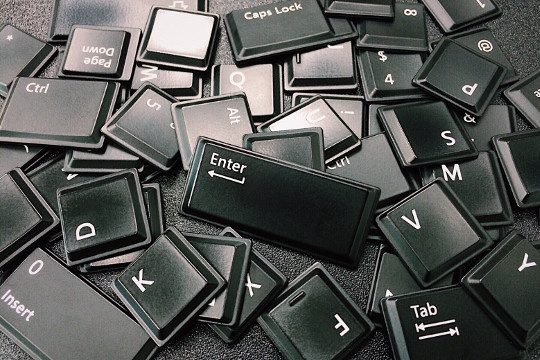
Like many others, you spend a lot of your time on a PC 'clicking around.' When you're in the zone — writing an email or finishing a report — constantly switching between mouse and keyboard breaks your flow. Here are some shortcut keys that can keep your hands on the keyboard and your mind on the work.
The Windows Key
Located on the bottom-left of most keyboards, the Windows Key is one of the most underused keys on the keyboard. Press it to open the Start menu and search bar instantly. Type what you're looking for and press Enter — no mouse required.
- Windows Key + Tab — Opens Task View, letting you quickly see and switch between all open windows. Especially useful with multiple monitors.
- Alt + Tab — Cycles through open applications. Great when you're switching back and forth between two or three windows.
- Windows Key + Left/Right Arrow — Snaps your current window to the left or right half of the screen, then lets you choose which other window to fill the other half. Great for referencing a web page while composing an email.
There are many more shortcuts worth learning. Visit Microsoft's full list of Windows keyboard shortcuts for a comprehensive reference.
If you have a specific annoyance that slows you down and want to talk to an expert, give us a call.